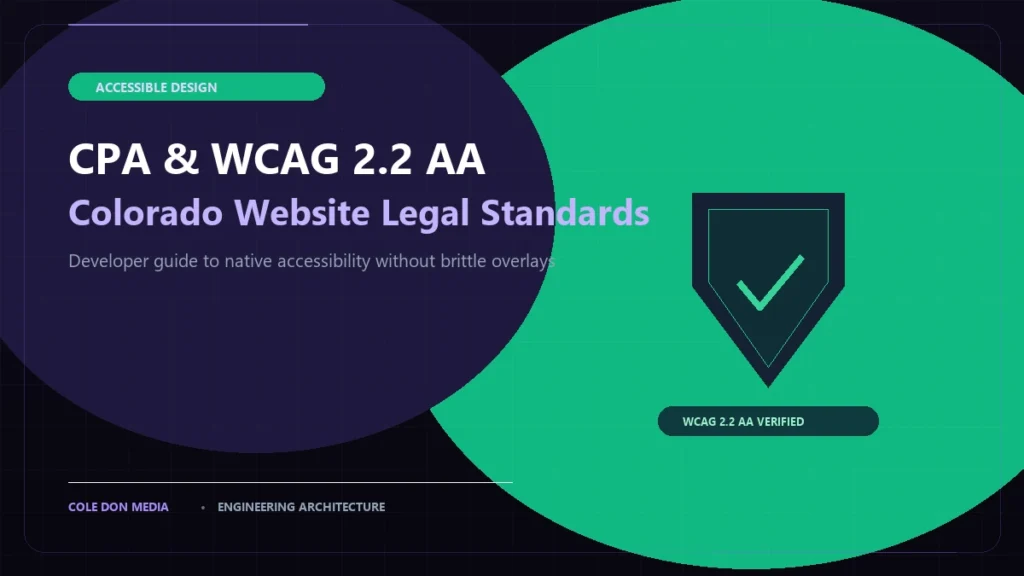
Commercial website compliance in Colorado underwent a seismic shift this year. Between the aggressive enforcement of the Colorado Privacy Act (CPA) by the state Attorney General and the federal Department of Justice’s adoption of WCAG 2.2 AA standards under ADA Title II, business websites can no longer rely on lazy boilerplate privacy policies or third-party accessibility overlay widgets.
For founders, marketing directors, and engineering teams across Denver, Boulder, and Colorado Springs, compliance is no longer an afterthought—it is a core architectural requirement. Here is an engineer’s technical guide to auditing and achieving native compliance without breaking your design or your site’s performance.
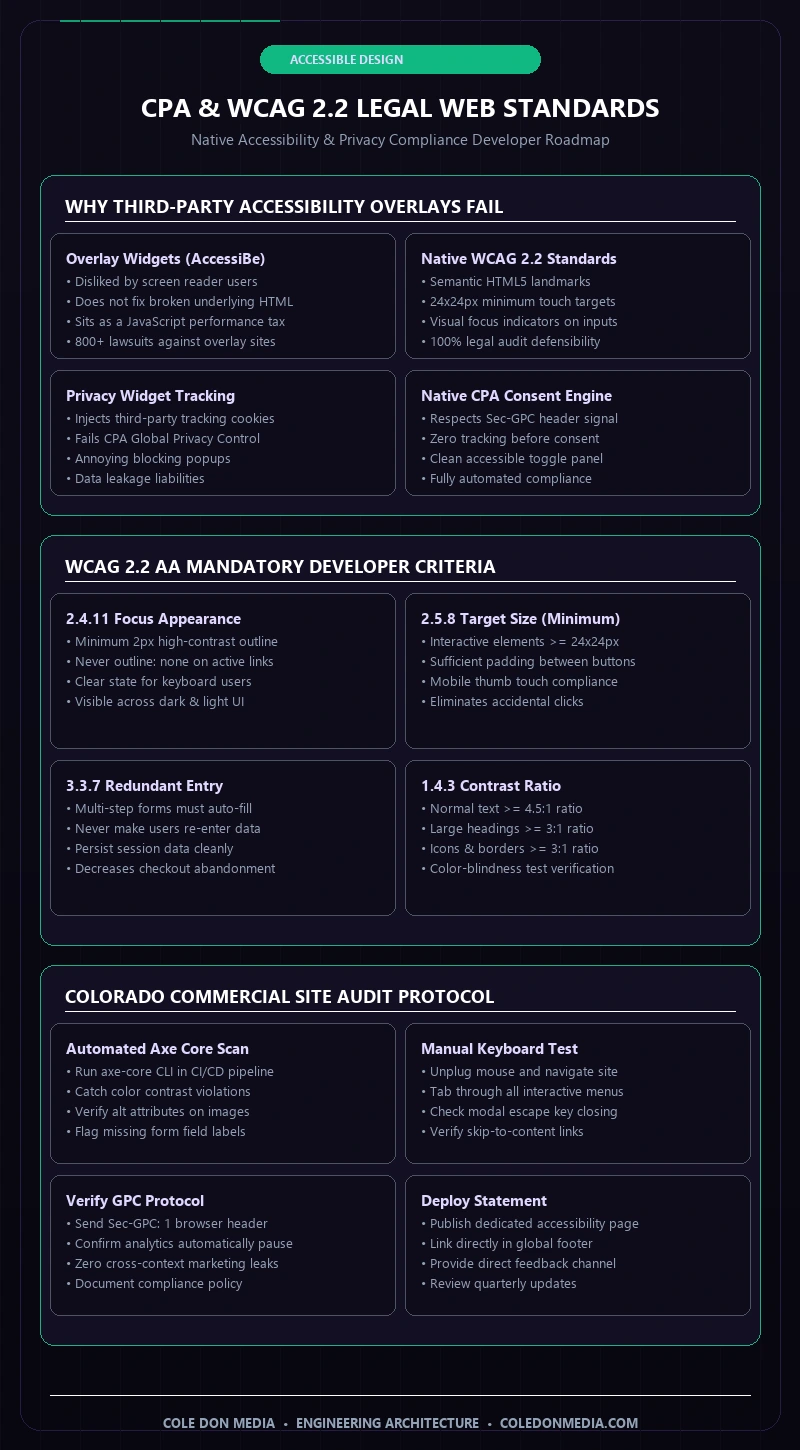
1. The Legal Trap of Accessibility Overlay Widgets
Many business owners purchase third-party JavaScript “accessibility overlays” (such as AccessiBe or UserWay) under the false promise of “one-click ADA compliance.” In reality, the disability community, accessibility engineers, and legal defense attorneys have roundly condemned overlays. Overlays:
- Fail to Fix Underlying HTML: They sit as a superficial JavaScript patch that screen readers struggle to parse.
- Create Federal Legal Liability: In 2025–2026, over 800 federal ADA lawsuits specifically cited websites that had active overlay widgets installed.
- Degrade Core Web Vitals: Overlays inject heavy third-party scripts that block main-thread execution and spike Interaction to Next Paint (INP).
The only legally defensible standard is native semantic accessibility built directly into your theme’s HTML, CSS, and component state machine. See our published Accessibility Statement for an example of native compliance standards.
2. WCAG 2.2 AA Mandatory Technical Criteria
WCAG 2.2 introduced several critical success criteria that developers must rigorously verify:
Critical WCAG 2.2 AA Criteria for Web Developers:
- 2.5.8 Target Size (Minimum): Interactive controls (buttons, links, form inputs) must have an active target area of at least 24×24 CSS pixels or sufficient spacing offset to prevent mis-clicks.
- 2.4.11 Focus Appearance: Keyboard focus indicators must maintain at least a 2px boundary with a 3:1 contrast ratio against the surrounding background. Banned:
outline: nonewithout an explicit replacement. - 3.3.7 Redundant Entry: Information entered in multi-step booking or estimator forms must auto-populate subsequent steps without requiring user re-entry.
3. Colorado Privacy Act (CPA) Universal Opt-Out Protocol
The Colorado Privacy Act mandates that websites recognize automated Universal Opt-Out Mechanisms (UOOM), specifically the browser-level Sec-GPC: 1 (Global Privacy Control) header. If a Colorado resident visits your website with GPC enabled, your server or client analytics pipeline must automatically suppress third-party marketing tags, Meta Pixel trackers, and targeted advertising cookies without forcing the user to navigate a hostile cookie banner.
At Cole Don Media, our custom web design architecture integrates native privacy consent states that respect GPC signals at the DNS and edge layer, safeguarding Colorado business owners from regulatory fines.
Frequently Asked Questions (Colorado Web Standards)
Does the Colorado Privacy Act apply to small businesses?
The CPA officially governs businesses that control or process the personal data of 100,000+ Colorado consumers annually (or 25,000+ if deriving revenue from data sales). However, any business serving Colorado residents must maintain clear privacy practices and respect Global Privacy Control standards to avoid consumer protection scrutiny.
How can we verify that our website meets WCAG 2.2 AA standards?
A complete audit requires both automated scanning (using the axe-core CLI or Lighthouse accessibility panel) and manual keyboard navigation testing to verify tab order, visual focus rings, and screen reader announcements.
Why is native accessibility better for SEO than an overlay plugin?
Google crawlers parse semantic HTML landmarks (main, nav, article) directly. Native accessible architecture provides clear topical structure and fast rendering, whereas overlay plugins add render-blocking JavaScript that degrades Core Web Vitals.
Ensure Native Legal Compliance on Your Website
Protect your brand from accessibility demand letters and CPA privacy violations. Get a comprehensive engineering audit from Cole Don Media.
Audit Your Website Costs Request Compliance Review