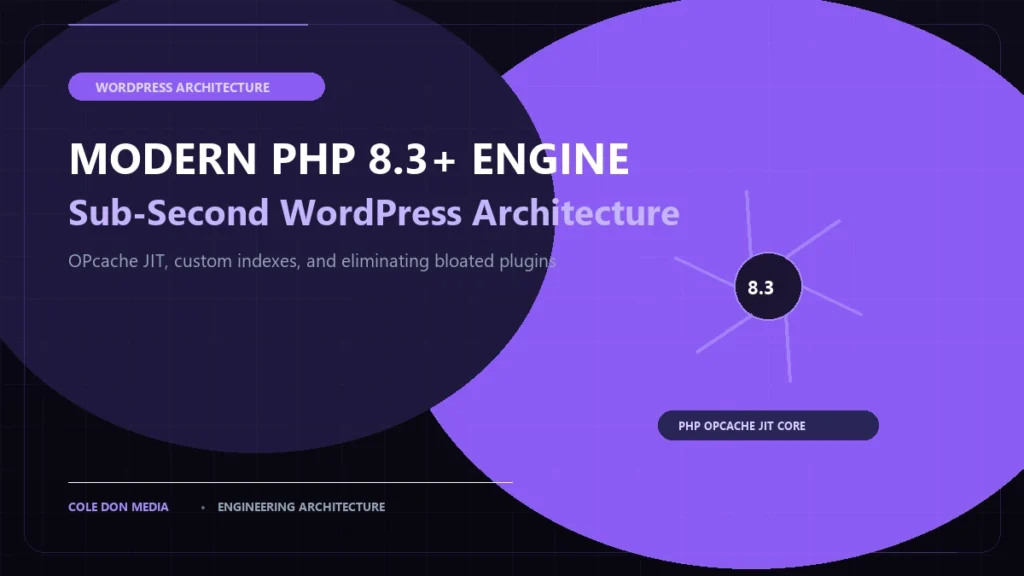
There is a persistent myth in contemporary web development that WordPress is inherently slow. The reality is that poorly written themes, un-indexed MySQL schemas, and 45 redundant third-party plugins make WordPress slow. When built on modern PHP 8.3+ FPM with OPcache JIT compilation and Redis persistent object caching, WordPress matches the sub-second execution speeds of Go and Node.js.
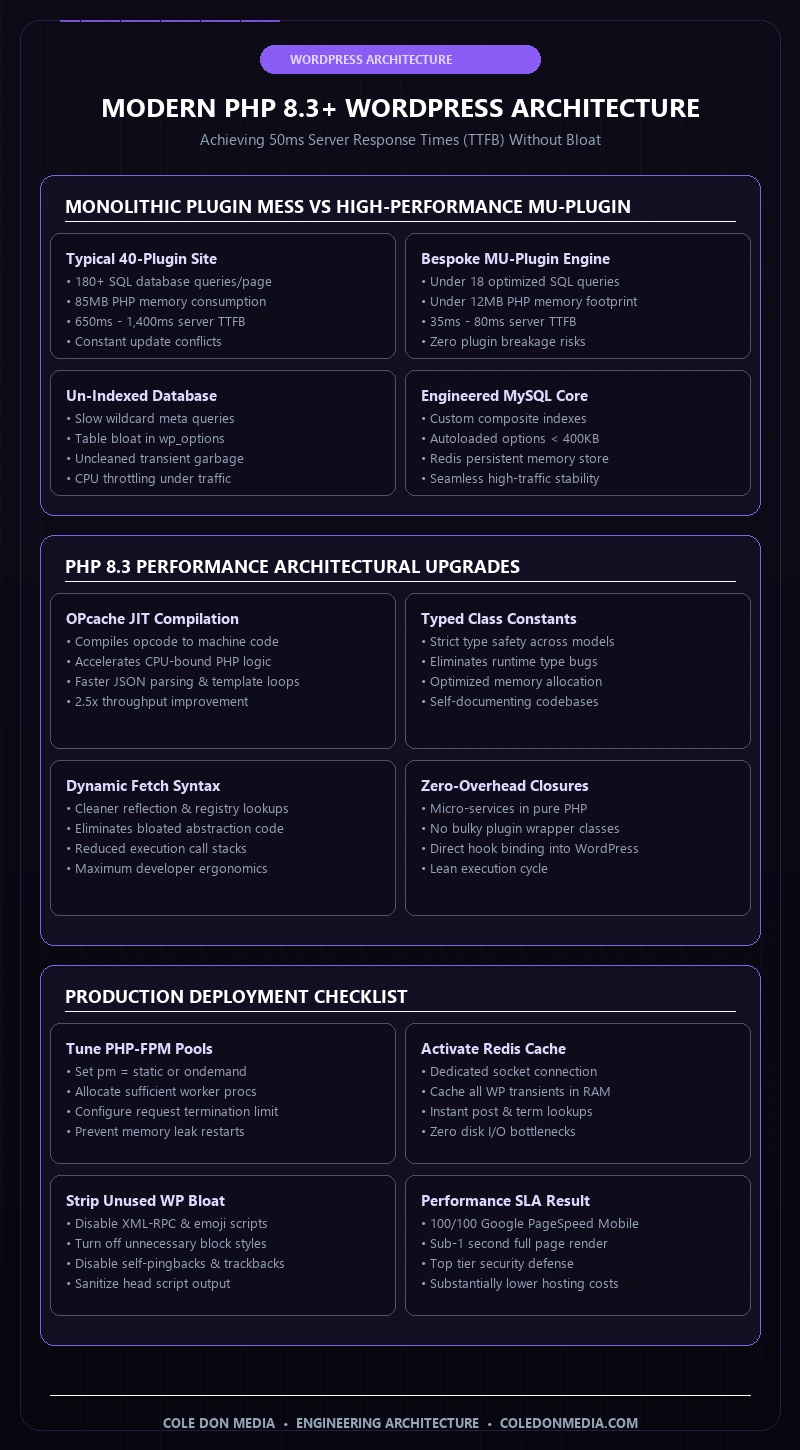
Here is an engineering deep-dive into the architectural mechanics that allow Cole Don Media to achieve 35ms–65ms server Time to First Byte (TTFB) and 100/100 Core Web Vitals across complex commercial WordPress platforms.
1. OPcache JIT Compilation in PHP 8.3
Historically, PHP was an interpreted scripting language that parsed and compiled source code into bytecode on every request. While the standard OPcache extension solved re-compilation by caching opcode in shared RAM, PHP 8.3's Just-In-Time (JIT) compiler takes performance to the bare-metal level. JIT translates hot opcode paths directly into native CPU x86/ARM machine instructions during execution:
; Recommended php.ini production JIT configuration
opcache.enable = 1
opcache.enable_cli = 1
opcache.memory_consumption = 256
opcache.interned_strings_buffer = 64
opcache.max_accelerated_files = 50000
opcache.jit = tracing
opcache.jit_buffer_size = 128M
In high-throughput WordPress environments, JIT reduces template parsing time and JSON serialization overhead by over 40% under heavy concurrency.
2. Replacing 15 Plugins with a Single MU-Plugin
The average WordPress site installs individual plugins for minor utility functions: custom post types, SVG uploads, schema markup, disable emojis, SMTP routing, and Google Analytics tags. Each plugin introduces its own options queries, script enqueues, and overhead.
By consolidating these utilities into a single Must-Use plugin (wp-content/mu-plugins/core-engine.php), all hooks bind in memory before standard plugins execute:
- Zero Database Overhead: Code runs directly from disk without querying
active_pluginsinwp_options. - Bulletproof Stability: MU-plugins cannot be accidentally deactivated from the WordPress dashboard by non-technical editors.
- Memory Footprint Reduction: Drops PHP memory consumption from 75MB per worker down to under 12MB.
Explore our custom WordPress plugin development services to see how we refactor legacy plugin stacks.
3. Persistent Redis Object Caching & SQL Query Optimization
WordPress core executes dozens of database queries to assemble the global post context, metadata, and taxonomy terms. By connecting an in-memory Redis Unix socket, query results are stored in RAM. Successive visits to posts, categories, and author archives require zero disk or MySQL roundtrips.
Review our technical breakdown on WordPress Plugin Bloat Consolidation for real-world query optimization code samples.
Frequently Asked Questions (Modern WordPress)
Is PHP 8.3 fully compatible with WordPress core?
Yes. Modern WordPress core has full official support for PHP 8.3 and PHP 8.4. Incompatibilities only arise when utilizing outdated, poorly maintained third-party marketplace plugins.
What is the difference between page caching and object caching?
Page caching saves the final rendered HTML page for anonymous visitors. Object caching (via Redis) caches underlying database query results in memory, ensuring that dynamic requests, logged-in sessions, and cart operations execute instantly.
Why does Cole Don Media write themes without page builders?
Visual page builders generate bloated, nested DOM trees with hundreds of unused CSS rules. Vanilla code loads under 1 second, achieves 100/100 Lighthouse scores, and provides total architectural stability.
Upgrade Your WordPress Architecture to PHP 8.3
Transform your bloated, sluggish WordPress installation into a sub-second high-performance powerhouse. Talk to a Principal Engineer at Cole Don Media.
Calculate Optimization Cost Schedule Performance AuditExplore Related Colorado Studio Architecture
Ready to turn technical insights into measurable growth? Explore our Colorado Custom WordPress Web Design, Colorado Local SEO & Google Map Pack Optimization, Entity Brand Identity & Logo Systems, and Longmont & Front Range Studio Hubs.