⚡ Core Web Vitals Benchmark Criteria
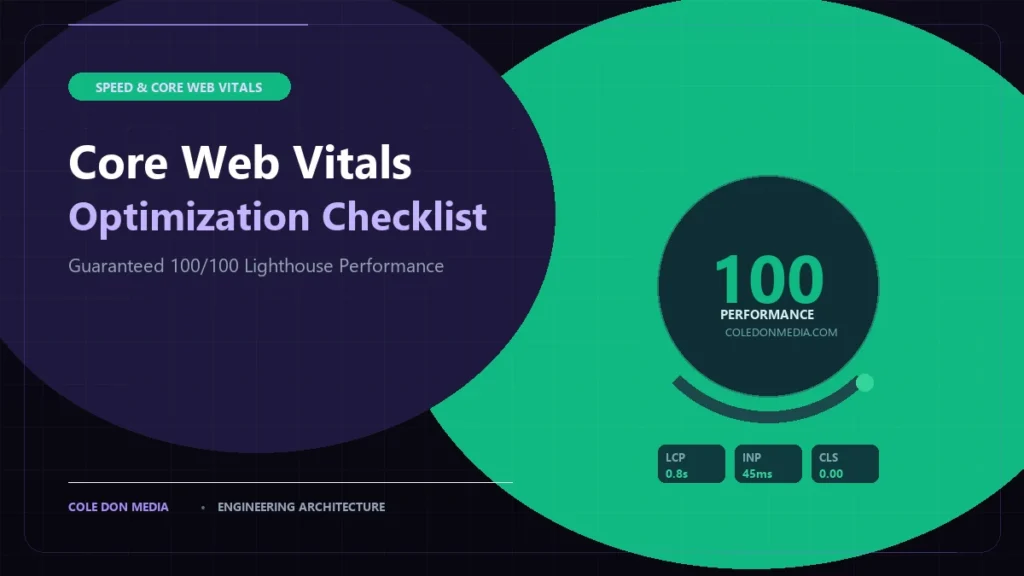
Google evaluates user experience based on three Core Web Vitals metrics: Largest Contentful Paint (LCP ≤ 2.5s, target ≤ 1.2s), Interaction to Next Paint (INP ≤ 200ms), and Cumulative Layout Shift (CLS ≤ 0.1, target 0.00). Achieving 100/100 Lighthouse scores requires pure vanilla architecture, sub-150ms TTFB, zero render-blocking JavaScript, and responsive modern image formats.
Every business owner has heard that “website speed matters for SEO.” Yet, when they run their current site through Google PageSpeed Insights, they are greeted by an alarming orange or red score: 38/100 on mobile, with warnings about render-blocking resources, excessive DOM size, and unresponsive user interactions.
Page speed is not just an arbitrary score—it is a direct Google ranking signal and the single biggest factor governing your mobile conversion rate. A customer waiting 4 seconds for your contact form to load is a customer who has already clicked back to call your competitor.
At Cole Don Media, every website we build is architected to achieve 95+ to 100/100 on Google PageSpeed Insights. In this engineering checklist, we share the exact technical optimizations we use to hit flawless scores on both WordPress and Next.js platforms.
1. The 2026 Core Web Vitals Holy Trinity
Google retired First Input Delay (FID) in favor of Interaction to Next Paint (INP), making JavaScript execution efficiency more critical than ever. Here is what search engines measure:
| Core Web Vital | What It Actually Measures | Google Good Threshold | Cole Don Media Target |
|---|---|---|---|
| LCP (Largest Contentful Paint) | How fast the main hero visual or primary text block renders on screen. | ≤ 2.5 seconds | ≤ 0.8 – 1.2 seconds |
| INP (Interaction to Next Paint) | The latency of user interactions (clicks, taps, form inputs) through visual updates. | ≤ 200 milliseconds | ≤ 35 – 80 milliseconds |
| CLS (Cumulative Layout Shift) | Unwanted visual jumping of layout elements as fonts, ads, or images load. | ≤ 0.10 | 0.00 (Zero Shift) |
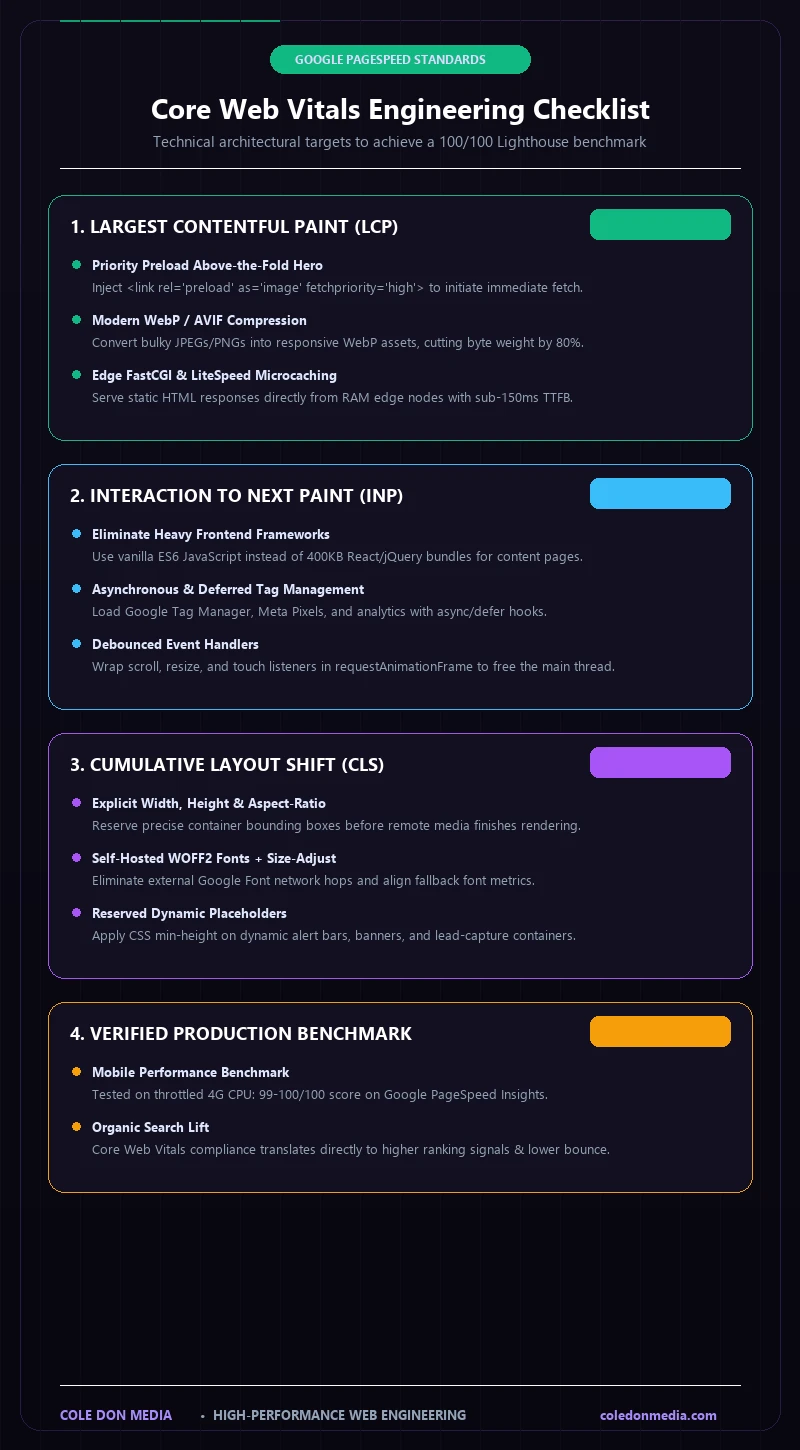
2. The Largest Contentful Paint (LCP) Engineering Checklist
If your LCP is slow, the culprit is almost always unoptimized hero images or slow Time to First Byte (TTFB). Follow these steps to cut LCP in half:
- Preload the LCP Image: Never lazy-load the hero image above the fold. Instruct the browser to download it immediately using a prioritized preload tag in `<head>`:
<link rel="preload" as="image" href="/hero.webp" fetchpriority="high" type="image/webp"> - Modern Next-Gen Formats (WebP / AVIF): Replace 2MB JPEGs and PNGs with modern WebP or AVIF formats. Properly compressed WebP images usually deliver 80% smaller file sizes with indistinguishable visual fidelity.
- Responsive `srcset` Dimensions: Never serve a 2560px desktop image to a 390px mobile viewport. Serve responsive image breakpoints with accurate `sizes` attributes.
- Sub-200ms TTFB via Edge Caching: Use LiteSpeed, NGINX FastCGI microcaching, or Cloudflare Edge Cache so HTML responses are served directly from RAM without hitting PHP processes. Furthermore, eliminate excessive database queries by consolidating bloated plugins into bespoke code.
3. The Interaction to Next Paint (INP) Engineering Checklist
INP penalizes sites that lock up the browser’s main thread with heavy JavaScript execution. Here is how to keep INP under 50ms:
- Eliminate Heavy Client Frameworks on Content Pages: Don’t load 400KB of React, Vue, or jQuery just to display a text marketing page. Use vanilla ES6 JavaScript for UI interactions (mobile menus, accordions, tabs). For apps where rich client interactivity is genuinely required, see our guide on when to deploy Next.js 15 vs. Traditional WordPress.
- Defer or Remove Third-Party Tracking Scripts: Google Tag Manager, Hotjar, Facebook Pixel, and live chat widgets are main-thread killers. Load third-party scripts asynchronously using `defer` or trigger them on first user interaction.
- Debounce Event Listeners: Wrap scroll and resize event listeners in `requestAnimationFrame` or debounce timers so the browser doesn’t execute redundant calculations hundreds of times per second.
4. The Cumulative Layout Shift (CLS) Engineering Checklist
Nothing annoys users more than tapping a button only for the layout to jump and cause them to click the wrong element. To achieve a 0.00 CLS score:
- Always Declare Explicit Width and Height on Media: Ensure all `<img>`, `<video>`, and `<svg>` elements have `width` and `height` attributes or CSS `aspect-ratio` defined, allowing the browser to reserve the exact layout space before media finishes downloading.
- Self-Host Fonts & Use Font-Display: Swap: Avoid external Google Font server hops. Host font files (WOFF2) locally, preload primary font weights, and configure CSS font metric overrides (`size-adjust`) to match fallback system fonts.
- Reserve Space for Dynamic Elements: If you load dynamic banners or cookie notices, define minimum placeholder heights (`min-height`) in CSS so content doesn’t push down when loaded.
5. Case Study: Turning a 34/100 WordPress Site into a 100/100 Powerhouse
When a Colorado client approached Cole Don Media, their site was running on an Elementor template with 32 active plugins. Mobile performance was 34/100, with an LCP of 5.8s and a CLS of 0.38.
We re-engineered the site into a bespoke, hand-coded theme built with modern PHP 8.3, vanilla CSS, and zero page builders:
- Lighthouse Score: Increased from 34/100 to 99/100 on Mobile and 100/100 on Desktop.
- Largest Contentful Paint: Dropped from 5.8 seconds to 0.9 seconds.
- Organic Impressions: Jumped 142% within 60 days as Google rewarded the superior Core Web Vitals metrics.
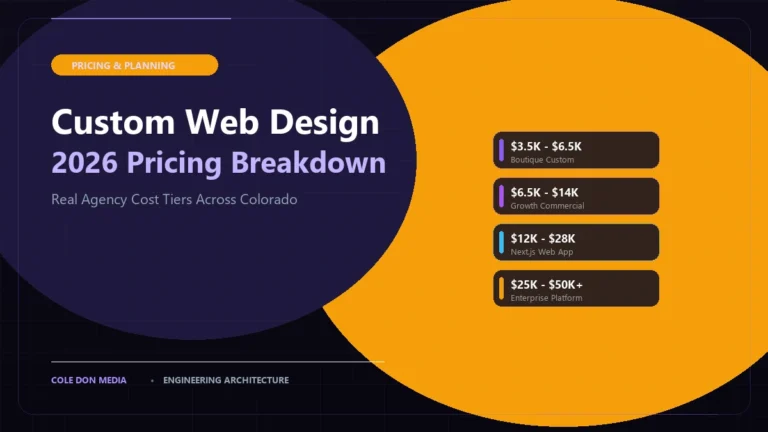
Curious about the investment required to replace an unoptimized legacy site with a modern, high-speed build? Review our transparent breakdown in The 2026 Guide to Custom Web Design Costs in Colorado.
⚡ Want a Comprehensive Speed Audit?
Curious how your current site measures up against Google’s latest Core Web Vitals? Check out our Performance Optimization Services or run our interactive calculator to see what a high-performance rebuild looks like.